For home and personal projects
daily choices, planning, messages, and personal projects.

From first question to reliable daily assistant
Learn step by step how to use ChatGPT practically, critically, and safely for private use, study, work, and planning for your own business.
Version 4.3 improves the knowledge checks and guided exercises. Revised questions start unanswered. Your existing notes, ratings and lesson completion marks are retained; revisit the changed exercises too. The core route uses a free ChatGPT account, with a manual alternative when a feature is unavailable or a usage limit is reached.
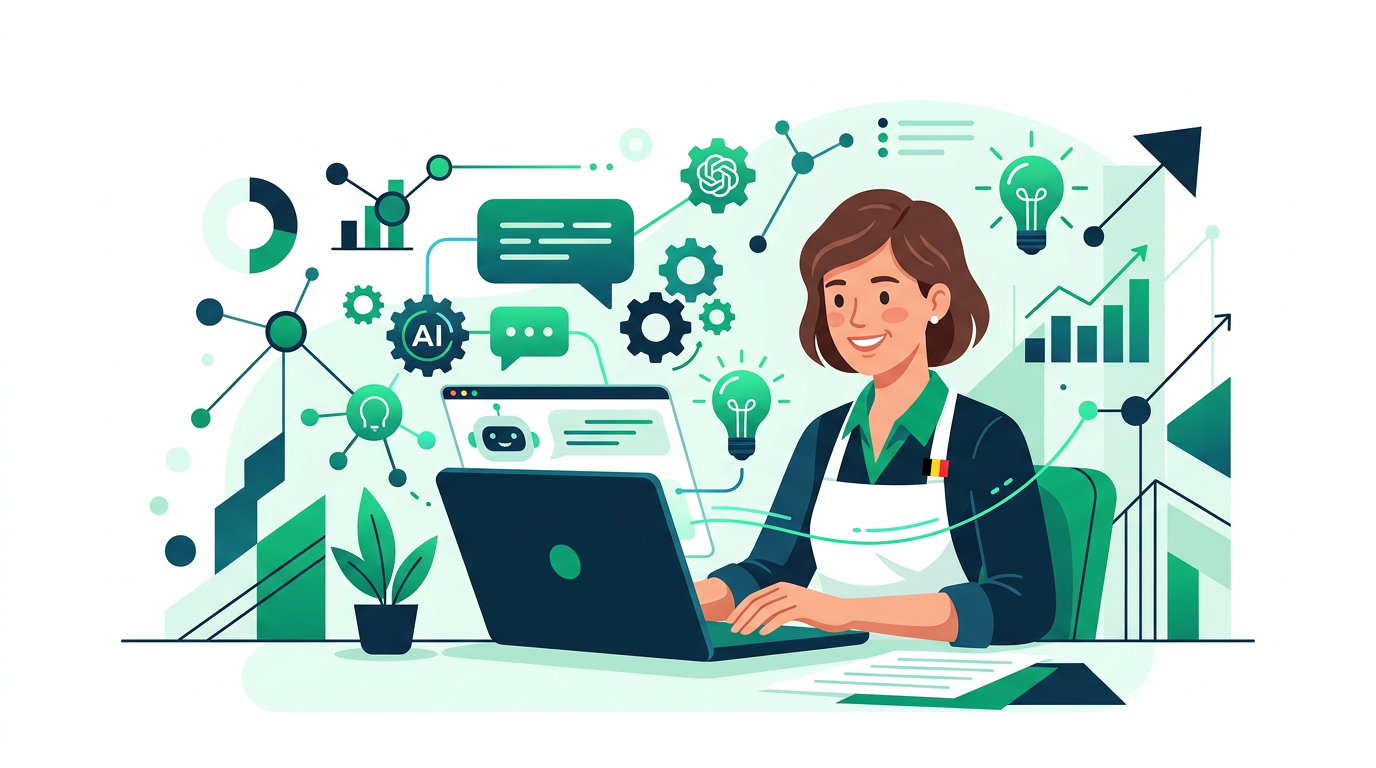
The basics are for any adult beginner. You choose which examples fit your life. Entrepreneurship is one path alongside personal life, study, and work—also interesting if you only dream of having your own business.
daily choices, planning, messages, and personal projects.
explanation, practice, summarizing, and study planning.
mails, meetings, documents, and decision preparation.
clients, offerings, communication, and first ideas for your own business.
Work in order or open the chapter you need right now. Each lesson contains explanation, a prompt, a quick knowledge check, and a practical assignment.
You will learn what ChatGPT actually does, which features may be available, and where human review remains necessary.
You learn how to build a prompt without a rigid recipe: result, context, output, boundaries, and checks.
You will learn how to continue after the first answer and recognize when improvement, correction, or a fresh start is needed.
You apply the same basics to private life, study, work, and a potential business idea.
You learn when web searching is necessary, how to evaluate sources, and how to verify an answer step by step.
You use ChatGPT for communication and creativity without losing your own voice, source material, or responsibility.
You will learn to classify data, distinguish true anonymization from pseudonymization, and handle rights and transparency responsibly.
You organize recurring work, carry out a final project, and create a realistic learning plan for the next step.
Yes. All three courses are free to access and do not require a course account.
Start with Beginner for the basics, Advanced for professional workflows and Expert for business implementation, integrations and governance.
Progress, quiz status and notes stay only in the browser on the device you use.